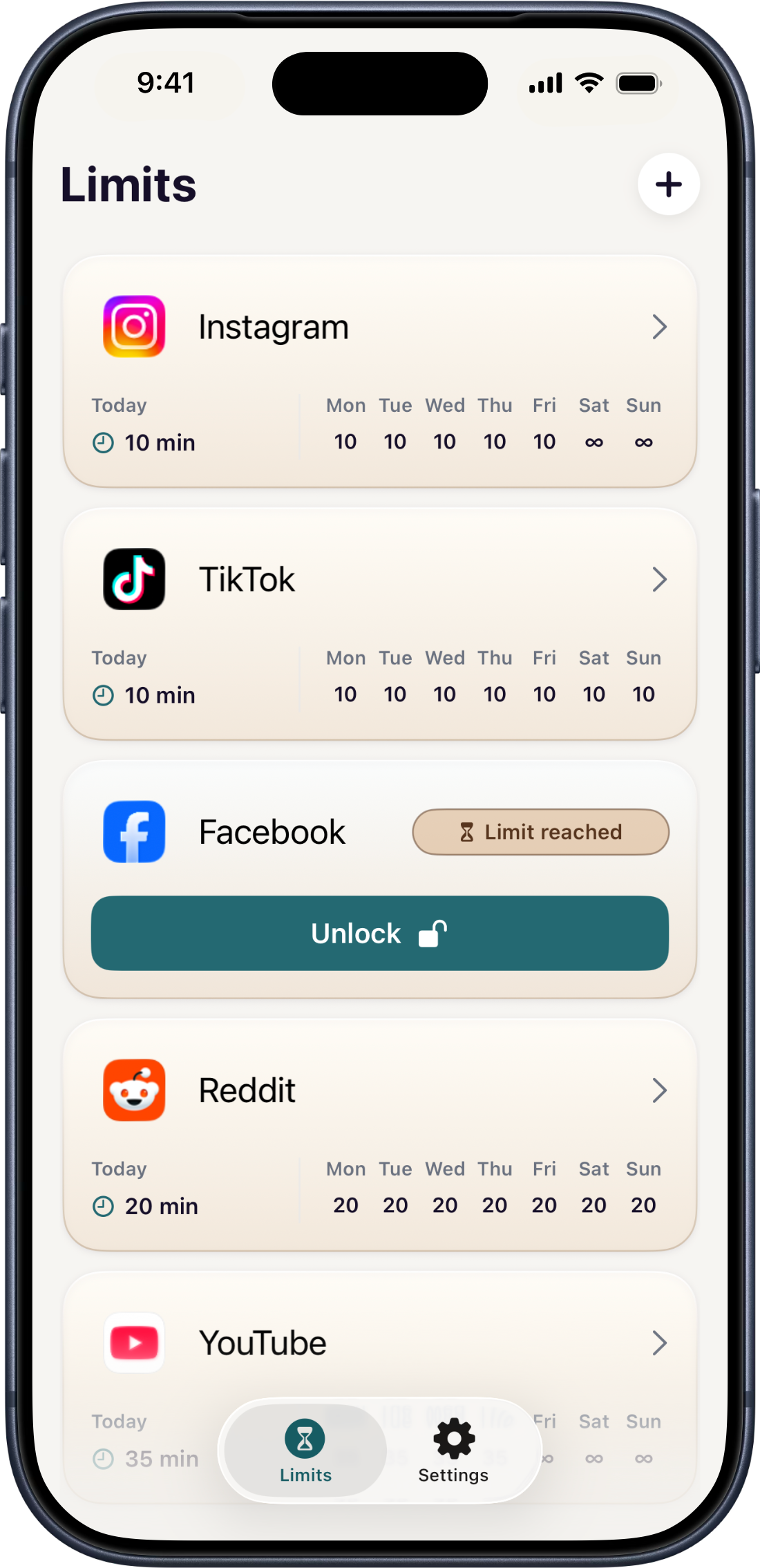
Choose limits
Set daily boundaries for selected apps and websites using Apple's Screen Time controls.
 Svala
Svala
For iPhone
Svala helps you choose daily boundaries, then makes extra time a deliberate choice instead of an automatic habit.
How it works
Svala is designed for the moment after a limit is reached: it slows the reflex to keep scrolling and makes extra time something you actively choose.
Set daily boundaries for selected apps and websites using Apple's Screen Time controls.
When a limit is reached, Svala creates a deliberate break before you continue.
Temporary unlocks give you extra time without making it the easiest default.
Core limit settings stay on your device, with unlock choices handled locally through Screen Time permissions.
Questions